Beatify Logo
Beatify

The Beatify
Youtube Music Streaming

Your music, organized the way you want. Experience high-fidelity audio with a kinetic interface that moves with you.


Your music, organized the way you want. Experience high-fidelity audio with a kinetic interface that moves with you.

Meet

Beatify

Experience your music,
the way you want.

Organize your favorites

Beatify emphasizes the playlists that YOU create. Organize by mood, genre, or activity with ease.

Simple navigation

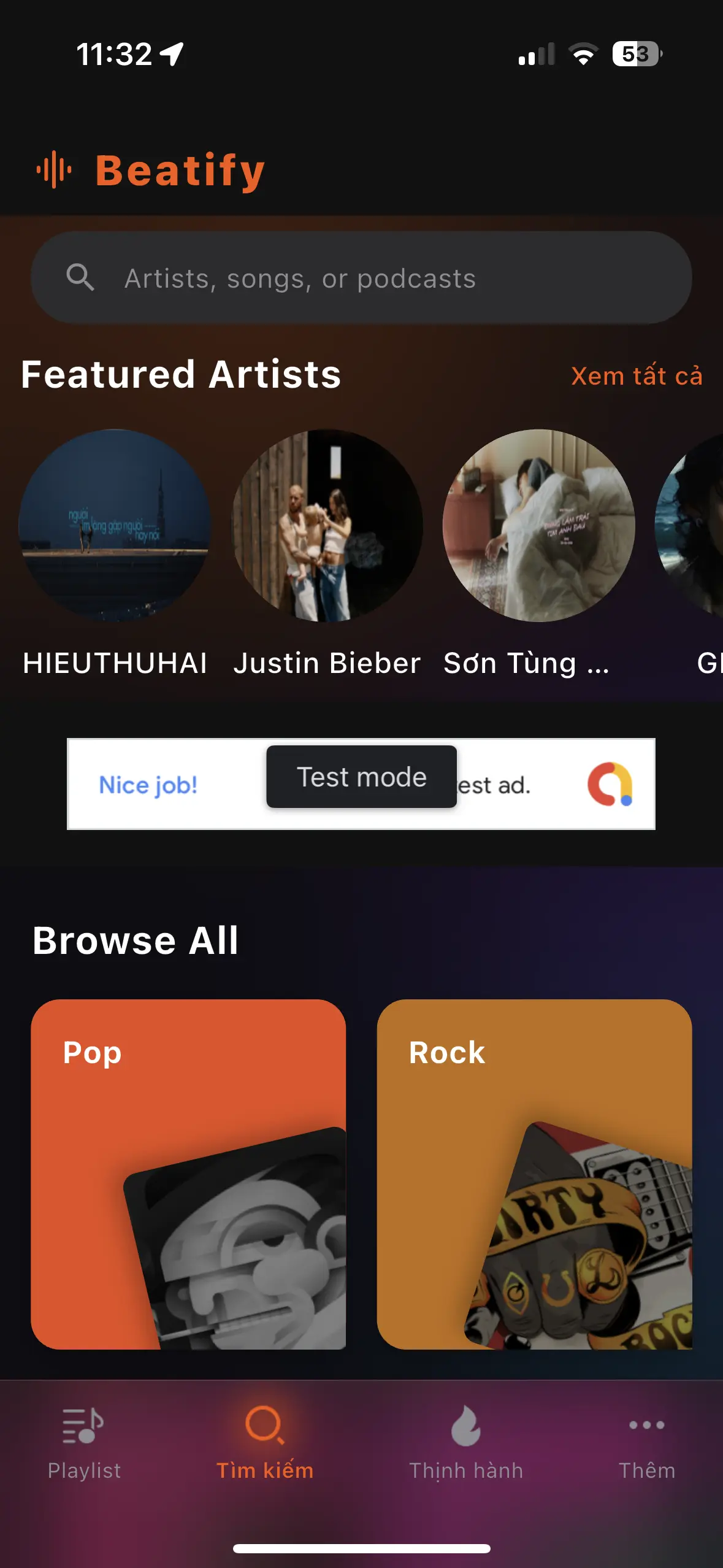
Just one tap to switch between your favorites, playlists, and search. No cluttered menus.

Search for everything

Access a massive library directly. Search by artist, album, or specific track in milliseconds.

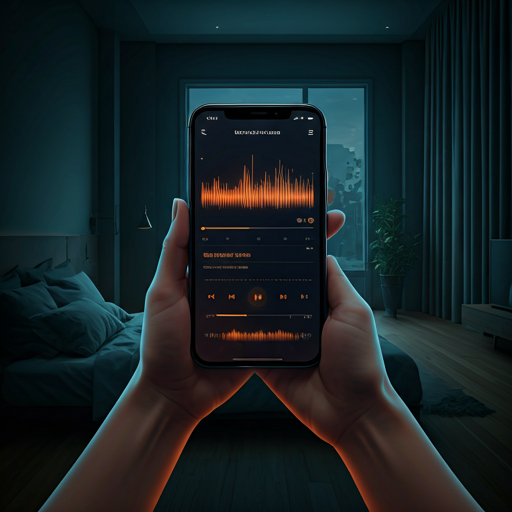
Beatify feels great in low-light environments.

Designed for late-night sessions and intimate listening. Our premium dark interface reduces eye strain while letting the artist's visual identity take center stage through vibrant highlights.

Dark Mode - ON

Automatically adapts to your system theme for seamless use.

Custom Themes

Pick your vibe with 12 handcrafted accent palettes.

Dark Mode

Don't just take our word for it.

May 28, 2024

"This is my favorite app EVER! I highly recommend this app! I have told multiple people about it and they all love it! Must download!"

@musiclover_99
June 2, 2024

"Upbeat is great! You can hear your favorite songs and even watch videos on it! Try it out!!!"

@jay_den
April 13, 2024

"But I love this app I always listen to songs in car rides it's really a good app."

@sarah_beats

Frequently Asked Questions

What is Beatify?

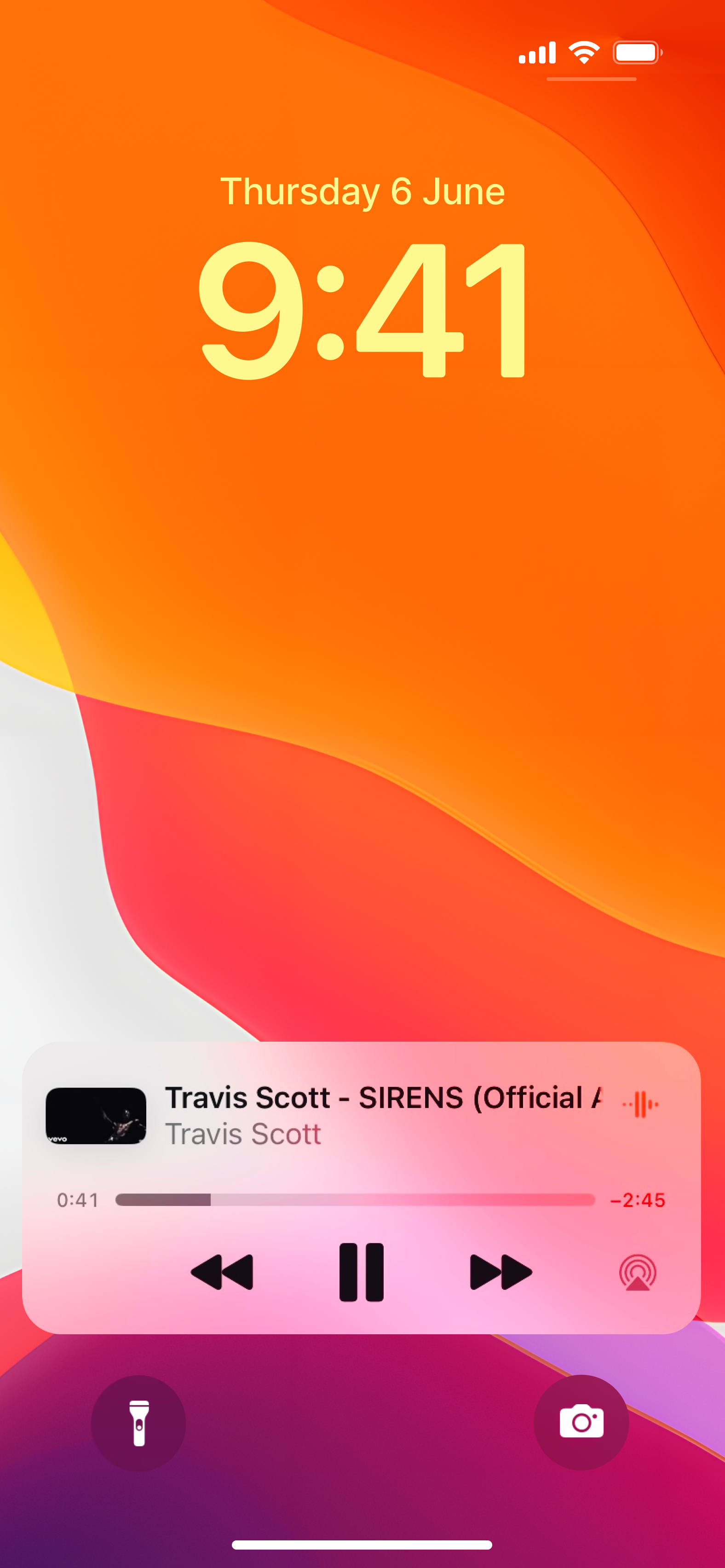
Beatify is an organizational tool for videos on YouTube, with an emphasis on features tailored toward music. Beatify allows you to easily create and share playlists, control your audio with an equalizer, crossfade between videos, sing along with lyrics, easily control and re-arrange your up next queue, and more.

Can I import my playlists from other apps?

Beatify currently supports importing playlists that you have saved on YouTube. This can be achieved by tapping the Playlists tab and then tapping the "+" button on the top right.

How can I add tracks to my playlist?

Open the playlist and tap the "+" button. From here, you can search to add tracks or merge tracks from other playlists. Playlists that have been shared with you are read-only and cannot be added to.

How can I create a playlist?

Visit the Playlists tab and tap the "+" button.

Does Beatify play offline?

Beatify requires an internet connection to play videos at all time, and can work on both data and WiFi. Data rates will apply, although Beatify strives to be as lightweight as possible.

Ready to Feel
The Beatify?

App Preview